

Welcome!
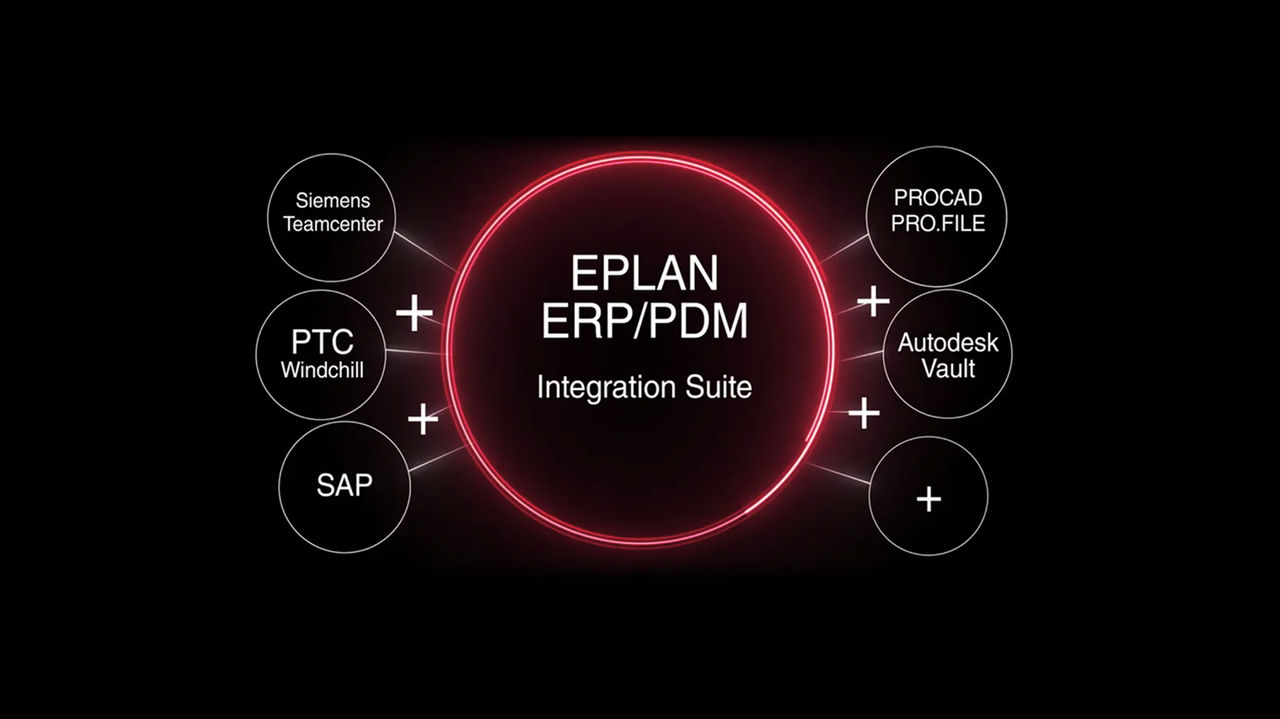
The installation guide describes the setup of the Eplan ERP/PDM Integration Suite 2026, which consists of the Synchronizer and the Client Add-in. It explains the technical prerequisites and the recommended system architecture and describes all steps for the installation, configuration, and operation on the server and client side. In addition, service parameters, permissions, central configuration files, and options for an automated silent installation are presented in detail.
Important note: For a reliable and clean implementation, the installation and configuration of the integration should definitely be carried out by Eplan Consulting, since project-specific adaptations and professional expertise are crucial here.
Synchronizer
The Synchronizer manages the synchronization of the article data with the ERP-/PDM system. It is a Windows service that must be installed on a Windows operating system.
You receive the following support:
- Installation Synchronizer
- Entry of the article database in the configuration file
- Start of the Windows service

Add-in
The Add-in must be installed on every client in order to be able to manage the projects, bills of materials, and neutral documents in ERP/PDM.
You receive the following support:
- Installation Platform Add-in
- Definition of the global configuration file
- Activation of remote access in the Eplan Platform

Silent Mode Installation
This part describes the availableMSI installation parameters.
You receive the following support:
- Explanation of an MSI installation using an example file
- List of all MSI parameters
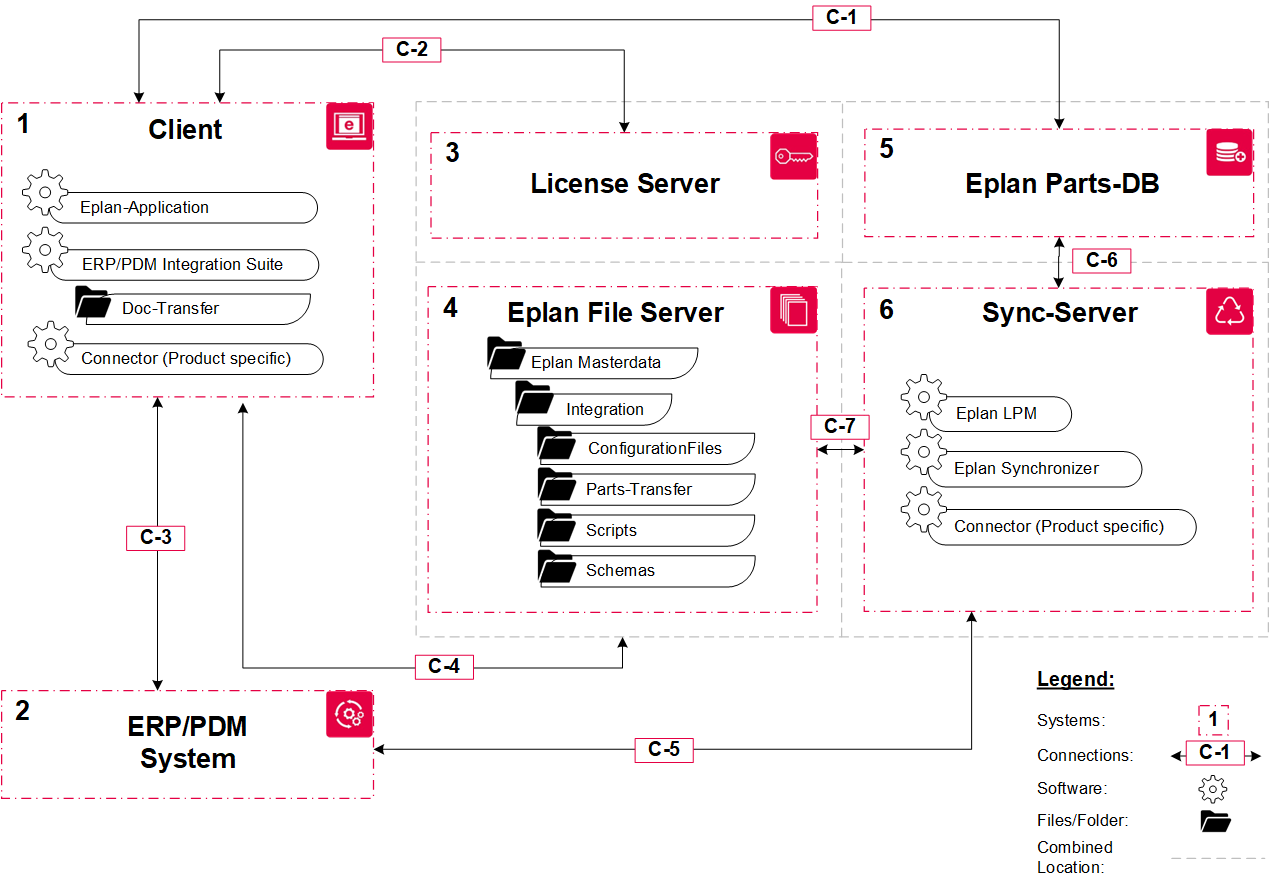 Example topology
Installation and Support Guidelines
- Recommendations for the installation and configuration
- Support - Technical Problems
For a reliable and clean implementation, the installation and configuration of the integration should definitely be carried out by Eplan Consulting, since project-specific adaptations and professional expertise are crucial here.
System integrations of third-party software: If you intend to integrate third-party software such as ERP, PDM/PLM systems into your environment, please contact our Professional Services experts, who will review, discuss, and evaluate the specific implementation for your individual situation together with you.
Eplan offers customers with valid subscription and software service contracts technical support within the meaning of the defined scope of services in order to ensure that your software functions properly. Please refer to the respective service description for the scope of services for support.
We support you with questions about the Eplan applications and products that you use in your environment. Please note our General Terms and Conditions for the warranty.

