
Discover here how to open Eplan projects
Eplan Sample Project & Industry Package Projects
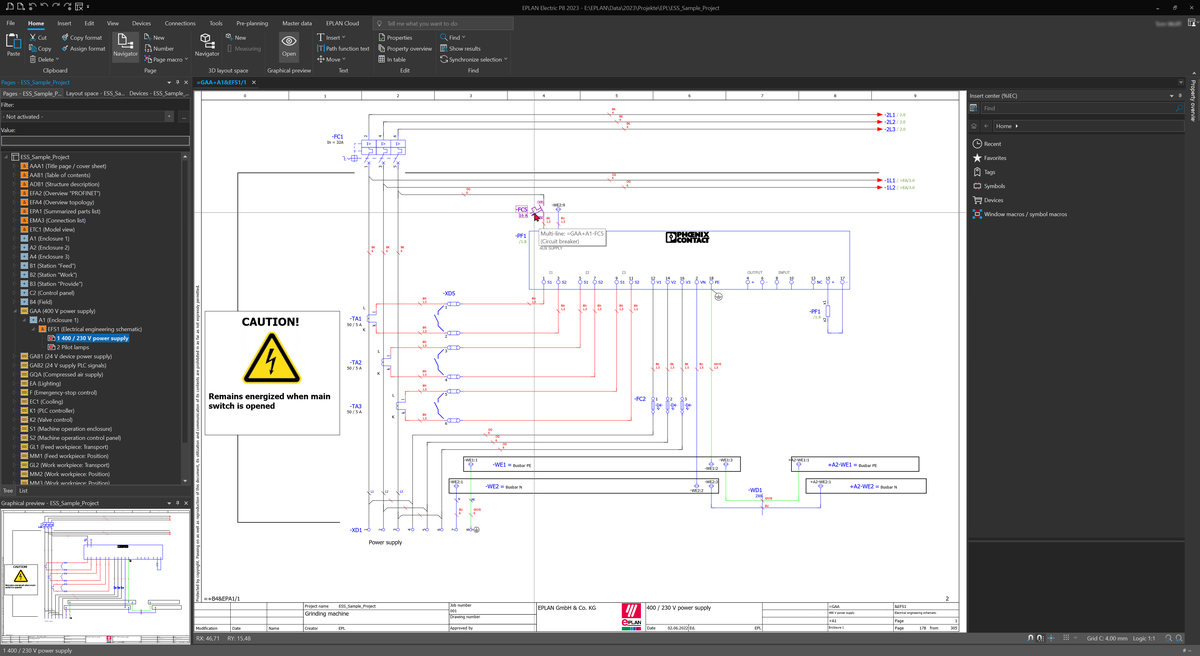
The supplied sample project "Eplan_Sample_Project" supports you in quickly starting working with Eplan. On the basis of a project structure structured in accordance with IEC 81355 and IEC 81346 it provides an insight into typical use cases, important functions as well as norm-compliant project creation with structure identifiers
If you have additionally installed an Industry Package, further industry-specific contents and projects are available in addition to the standard sample project. This includes master data, templates and configuration examples that are tailored to the requirements of the respective industry.
For more information on the Industry Packages and their contents: Inudstry Package - Additional Information
Open Project
- On the ribbon, select the File tab > Backstage area Open > Browse.
- Select the desired project, either the included "Eplan_Sample_Project" or a previously downloaded Industry Package project.
- Click [Open].
- The Backstage view closes, the project opens in the Page Navigator.